
In order to start using BPM do following:
1
2

Create your account

You have 2 options to setup your account:
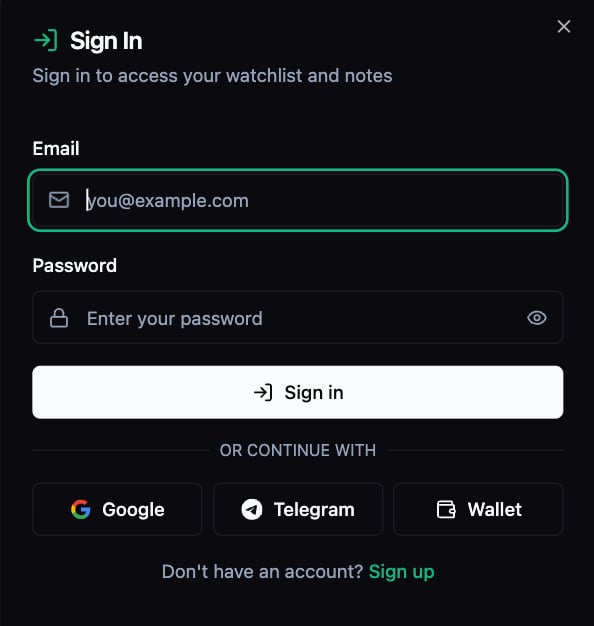
  • Create account using email and password by clicking “Sign up” button
  • Create account using Wallet, Telegram or Gmail by clicking “Log in” button
Sign In
If you used any type of account creation besides Telegram, you can link it later by clicking on Profile button in the upper right of a page for easier login from any other device.Connect Tg
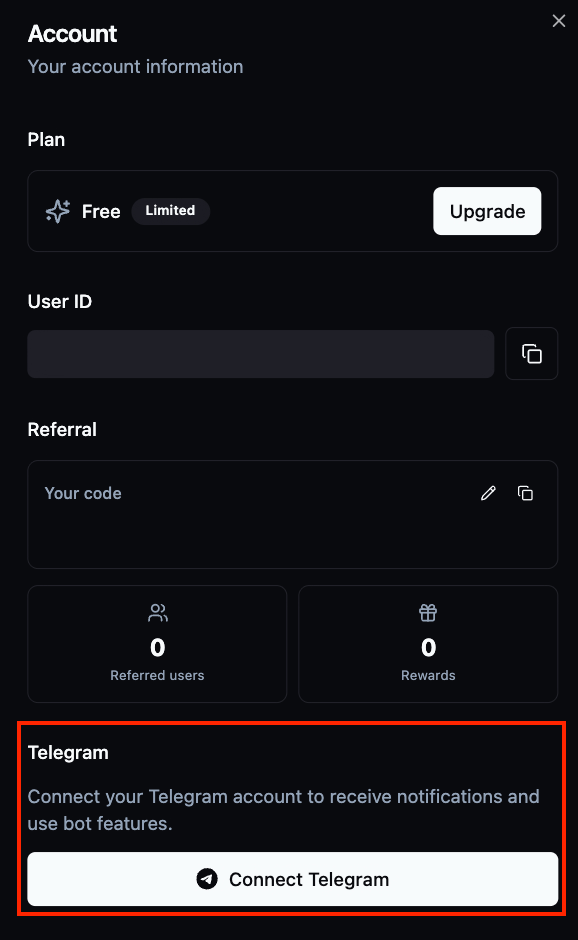
No advanced setup required - BPM works in your browser. A free account gives you access to core features immediately.
Title Bar Once you logged in you can visit multiple pages:
  1. Traders (visit linked page for detailed information)
  2. Markets (visit linked page for detailed information)
  3. Watchlist (visit linked page for detailed information)
  4. Basic search by wallet address or market name
  5. Profile information
  6. Log out
  7. Settings (Color preferences)
